The Best AI Tools for Virtual Assistants to Save Time and Work Smarter AI tools for virtual assistants are transforming the way remote professionals manage tasks, communicate with clients, and deliver high-quality services. Virtual assistants often handle multiple responsibilities at once, including scheduling, email management, research, content creation, customer support, and administrative tasks. With so …
The Best AI Tools for Virtual Assistants to Save Time and Work Smarter
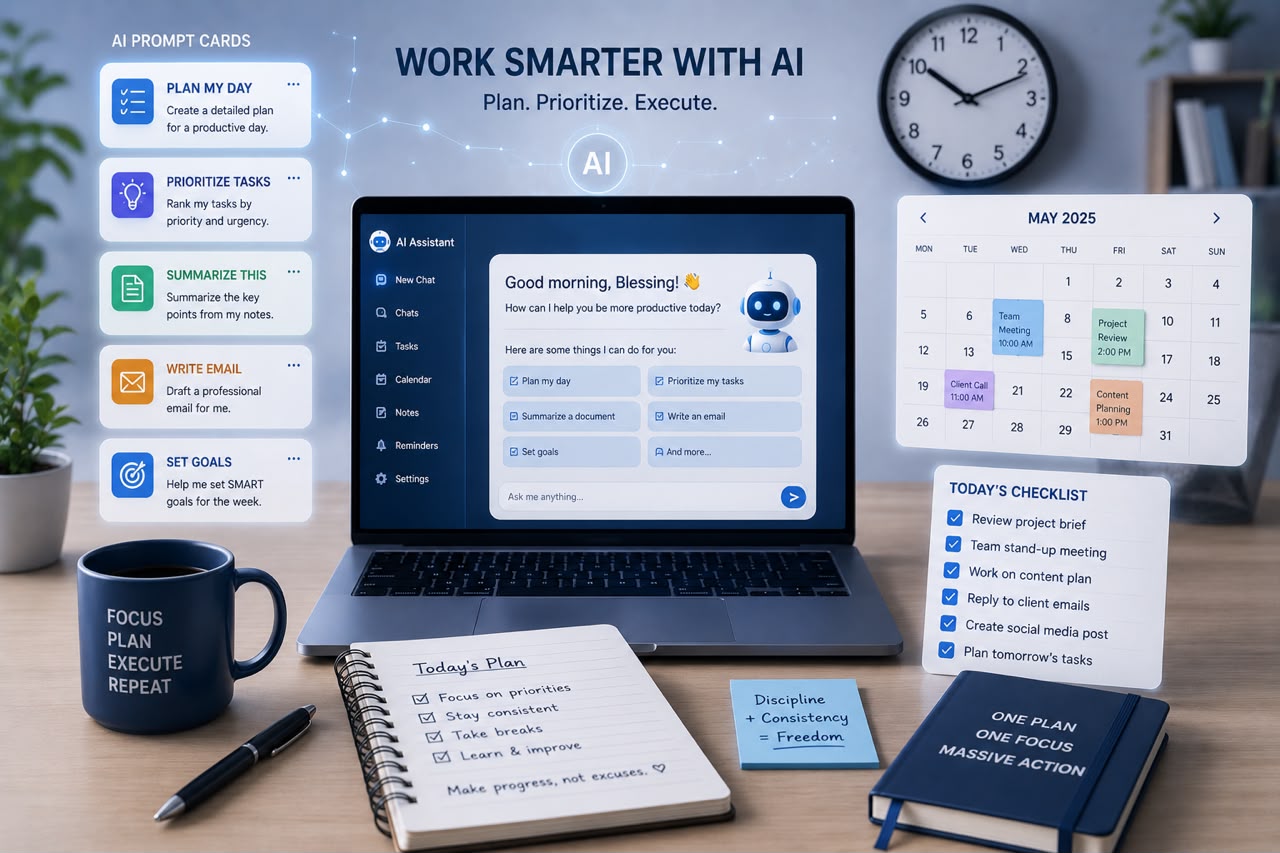
AI tools for virtual assistants are transforming the way remote professionals manage tasks, communicate with clients, and deliver high-quality services. Virtual assistants often handle multiple responsibilities at once, including scheduling, email management, research, content creation, customer support, and administrative tasks.
With so many responsibilities competing for attention, productivity becomes a major challenge. Artificial intelligence helps virtual assistants work faster by automating repetitive tasks, improving organization, and providing smart solutions that save valuable time.
The goal of AI is not to replace virtual assistants. Instead, it helps them become more efficient, offer better services, and handle more complex tasks for their clients.
Whether you are a beginner virtual assistant or an experienced professional, learning how to use AI tools can give you a competitive advantage in the growing remote work industry.
Why Virtual Assistants Should Use AI Tools
Virtual assistants are expected to be organized, reliable, and efficient. However, spending too much time on repetitive tasks can limit productivity.
AI tools help virtual assistants:
- Complete tasks faster
- Reduce manual work
- Improve accuracy
- Stay organized
- Communicate better
- Manage multiple clients effectively
By using AI strategically, virtual assistants can spend less time on routine activities and more time providing valuable support to businesses and entrepreneurs.
1. ChatGPT – AI Assistant for Everyday Tasks
ChatGPT is one of the most useful AI tools for virtual assistants because it can support a wide range of daily activities.
Virtual assistants can use it for:
- Drafting emails
- Creating social media captions
- Writing reports
- Brainstorming ideas
- Summarizing documents
- Creating meeting agendas
- Generating research questions
Instead of starting every task from scratch, ChatGPT helps create a first draft that can be edited and customized.
It works like a brainstorming partner that helps virtual assistants complete tasks more efficiently.
2. Grammarly – Improve Professional Communication
Communication is a major part of virtual assistance. A simple spelling mistake or unclear message can affect how clients view your professionalism.
Grammarly helps virtual assistants:
- Correct grammar mistakes
- Improve sentence clarity
- Adjust writing tone
- Create professional emails
- Make messages easier to understand
Whether you’re communicating with clients, preparing reports, or writing content, Grammarly helps ensure your work looks polished.
3. Canva AI – Create Better Visual Content
Many virtual assistants now provide content creation and social media support as part of their services.
Canva AI helps create:
- Social media graphics
- Presentations
- Marketing materials
- Flyers
- Simple videos
- Branded content
With AI-powered design features, virtual assistants can create professional visuals even without advanced graphic design skills.
4. Notion AI – Organize Projects and Information
Organization is one of the most important skills for virtual assistants.
Notion AI combines note-taking, project management, and artificial intelligence to help users manage information effectively.
Virtual assistants can use it to:
- Create project plans
- Organize client information
- Summarize notes
- Build task lists
- Document processes
This is especially useful for assistants managing multiple clients and projects.
5. ClickUp AI – Manage Tasks Efficiently
Project management is a common responsibility for virtual assistants.
ClickUp AI helps with:
- Creating task lists
- Writing project updates
- Summarizing discussions
- Managing deadlines
- Organizing workflows
Instead of spending too much time managing tasks, virtual assistants can focus on completing them.
6. Otter.ai – Simplify Meeting Notes
Virtual assistants often attend meetings or manage communication for clients.
Otter.ai helps by:
- Recording meetings
- Creating transcripts
- Summarizing conversations
- Highlighting important points
This eliminates the need to manually write every detail during meetings.
Virtual assistants can quickly review summaries and create action plans afterward.
7. Perplexity AI – Faster Research
Research is another important virtual assistant skill.
Whether researching competitors, industry trends, products, or business information, Perplexity AI helps find answers faster.
Virtual assistants can use it for:
- Market research
- Content research
- Fact-checking
- Gathering information for clients
It reduces the time spent searching through multiple sources.
8. Zapier AI – Automate Repetitive Work
Automation allows virtual assistants to complete tasks without manually repeating the same steps.
Zapier AI can connect different applications and automate workflows.
Examples include:
- Automatically saving email attachments
- Creating tasks from messages
- Updating spreadsheets
- Sending reminders
- Organizing client information
Automation gives virtual assistants more time to focus on higher-value work.
9. Google Gemini – Support Research and Productivity
Google Gemini helps virtual assistants with information gathering, brainstorming, and productivity tasks.
It can assist with:
- Writing ideas
- Research summaries
- Document support
- Learning new topics
It is useful for assistants who need quick access to information while managing different projects.
10. Trello AI – Improve Task Organization
Trello is popular among remote teams and virtual assistants.
AI features help with:
- Organizing workflows
- Creating task descriptions
- Managing project boards
- Tracking progress
It provides a visual way to manage multiple responsibilities.
How Virtual Assistants Should Use AI Effectively
While AI tools for virtual assistants can improve productivity, they should be used wisely.
Best practices include:
- Always review AI-generated content before sending it to clients.
- Protect confidential client information.
- Add your personal expertise and judgment.
- Learn how each tool fits into your workflow.
- Avoid depending completely on AI.
AI works best when combined with human skills such as communication, organization, creativity, and problem-solving.
Skills Virtual Assistants Need Alongside AI
AI tools are valuable, but successful virtual assistants still need strong professional skills.
Important skills include:
- Time management
- Communication
- Attention to detail
- Problem-solving
- Project management
- Customer service
- Adaptability
AI enhances these skills—it does not replace them.
The Future of Virtual Assistance and AI
The virtual assistant industry is evolving quickly. Clients are increasingly looking for assistants who can use technology to improve efficiency and deliver better results.
Virtual assistants who understand AI will be able to:
- Offer more services
- Complete work faster
- Support larger projects
- Increase their value to clients
The future belongs to professionals who combine human expertise with smart technology.
Final Thoughts
AI tools for virtual assistants are powerful resources that help remote professionals save time, improve productivity, and deliver better services. From writing emails and creating content to managing projects and automating workflows, AI can simplify many daily responsibilities.
The most successful virtual assistants will not be those who avoid AI—they will be those who learn how to use it effectively.
AI is not replacing the role of virtual assistants. It is helping them become faster, smarter, and more valuable in a competitive digital workplace.