How to Use AI to Plan Your Entire Week in 10 Minutes Use AI to plan your entire week and transform the way you manage your time. Weekly planning is one of the most effective productivity habits, but many people skip it because they think it takes too long. The good news is that artificial …
How to Use AI to Plan Your Entire Week in 10 Minutes
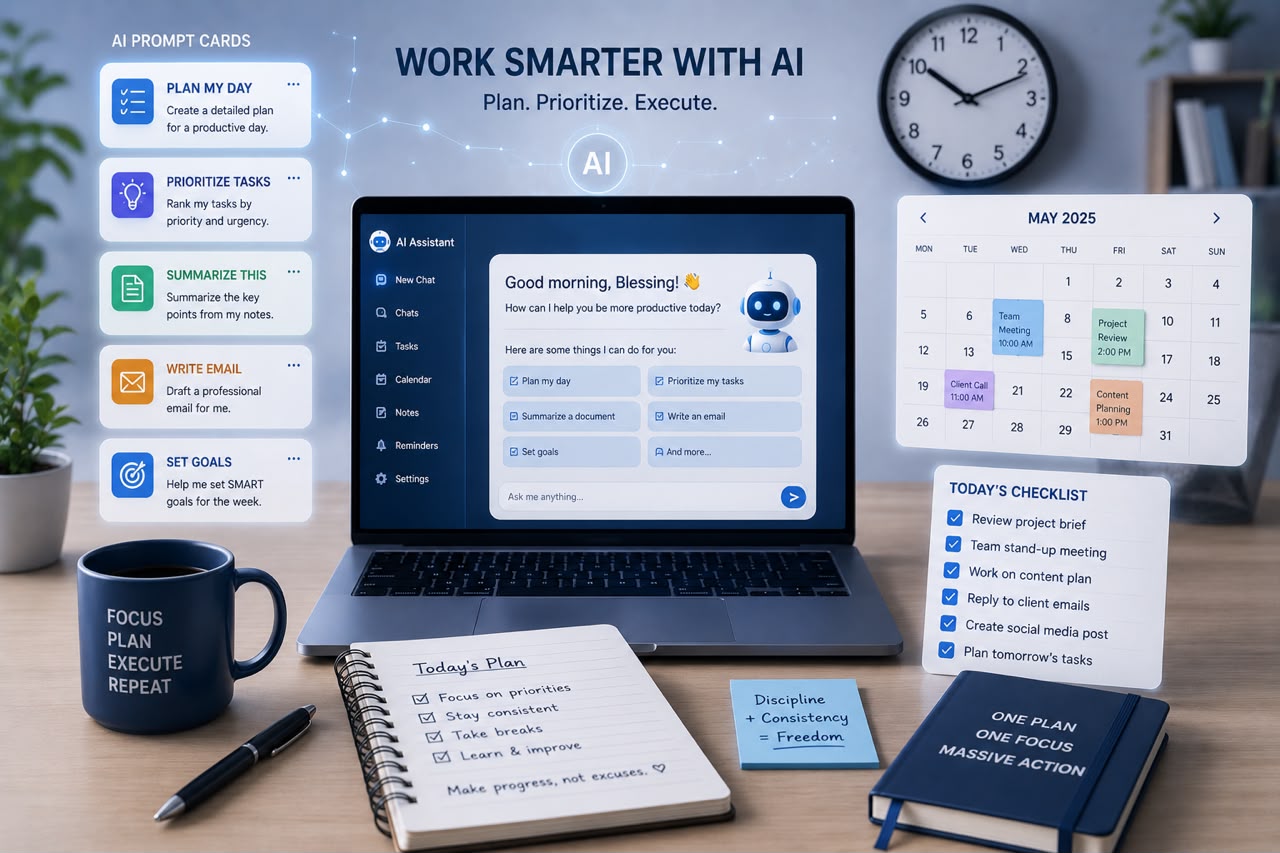
Use AI to plan your entire week and transform the way you manage your time. Weekly planning is one of the most effective productivity habits, but many people skip it because they think it takes too long. The good news is that artificial intelligence can help you organize your schedule, prioritize tasks, and prepare for the week ahead in just 10 minutes.
Instead of spending valuable time sorting through sticky notes, emails, and unfinished tasks, AI can quickly organize your workload into a clear and actionable plan. While you’ll still make the final decisions, AI does the heavy lifting by helping you structure your week more efficiently.
Here’s a simple step-by-step process you can follow every week.
Why Weekly Planning Matters
A productive week begins with a clear plan. Without one, it’s easy to spend your days reacting to emails, messages, and unexpected requests instead of focusing on your most important goals.
Weekly planning helps you:
- Prioritize important tasks
- Reduce decision fatigue
- Avoid last-minute deadlines
- Stay focused on long-term goals
- Create a healthier work-life balance
Adding AI to this process makes planning faster and more organized.
Step 1: Gather Everything You Need
Before asking AI for help, spend two minutes collecting all your commitments.
Include:
- Meetings
- Deadlines
- Personal appointments
- Work projects
- Household responsibilities
- Learning goals
- Exercise plans
- Family activities
Don’t worry about organizing them yet. Simply create one complete list.
The more accurate your information, the better AI can assist you.
Step 2: Ask AI to Organize Your Tasks
Once you have your list, paste it into your preferred AI assistant and ask it to categorize your tasks.
For example, you might use a prompt like:
“Organize these tasks into urgent, important, and optional categories. Then suggest the best order to complete them throughout the week.”
AI can quickly identify priorities and group similar activities together, making your schedule much easier to manage.
Step 3: Build a Realistic Weekly Schedule
Now ask AI to create a weekly plan based on your available time.
A useful prompt might be:
“Create a Monday-to-Sunday schedule based on these tasks. Leave room for breaks, meals, exercise, and unexpected interruptions.”
One advantage of AI is that it can help prevent overloading your calendar. A balanced schedule is usually more sustainable than trying to complete everything in a single day.
Remember to review the suggested schedule and adjust it to match your personal preferences and energy levels.
Step 4: Break Large Projects into Smaller Tasks
Large projects often feel overwhelming because they’re not clearly defined.
Instead of writing:
- Launch website
Ask AI to break it into smaller steps such as:
- Finalize website content
- Review images
- Test contact forms
- Check mobile responsiveness
- Publish homepage
- Announce launch on social media
Smaller tasks are easier to schedule and much more satisfying to complete.
Step 5: Identify Your Most Important Tasks
Not every task deserves the same amount of attention.
Ask AI to identify your top three priorities for the week based on deadlines and long-term goals.
This helps ensure your most valuable work gets completed first instead of being delayed by less important activities.
A good rule is to complete these high-priority tasks during your most productive hours.
Step 6: Schedule Time for Deep Work
One mistake many people make is filling every hour with meetings and small tasks.
AI can help you identify blocks of uninterrupted time for focused work.
Deep work sessions are ideal for:
- Writing
- Coding
- Strategic planning
- Studying
- Designing
- Problem-solving
Protecting these sessions often leads to better results than constantly switching between tasks.
Step 7: Plan for Flexibility
Even the best plans need room for unexpected events.
Rather than scheduling every minute of every day, leave some open time for:
- Urgent requests
- Delays
- Extra meetings
- Rest
- Reflection
AI can suggest buffer periods throughout the week, making your schedule more realistic and less stressful.
Step 8: End the Week with a Review
AI isn’t only useful at the beginning of the week.
At the end of the week, ask it to help you review your progress.
Questions you can ask include:
- Which goals did I complete?
- What tasks were delayed?
- What should become next week’s priorities?
- How can I improve my schedule?
This simple reflection helps you improve your planning over time.
Tips for Getting Better Results from AI
To make AI planning more effective:
- Give AI complete information.
- Be specific about deadlines.
- Mention your working hours.
- Include personal commitments.
- Review every suggestion before following it.
- Update your plan if priorities change.
Remember, AI provides recommendations—you remain in control of your schedule.
The Benefits of Planning Your Week with AI
Using AI for weekly planning offers several advantages:
- Saves valuable planning time
- Improves organization
- Helps prioritize important work
- Reduces stress
- Creates more balanced schedules
- Encourages consistency
- Makes large projects easier to manage
Most importantly, it allows you to spend less time organizing your work and more time actually completing it.
Final Thoughts
Use AI to plan your entire week and you’ll discover that effective planning doesn’t have to take hours. In just 10 minutes, AI can help you organize tasks, prioritize responsibilities, build a realistic schedule, and prepare for a productive week ahead.
The key is to remember that AI is your planning assistant—not your decision-maker. It can analyze information quickly, suggest improvements, and organize your workload, but your goals, values, and judgment should always guide the final plan.
By combining AI with thoughtful planning and consistent execution, you’ll reduce stress, stay focused on what matters most, and make steady progress toward your personal and professional goals. A few minutes of planning each week can save hours of confusion later—and AI makes that process easier than ever.