AI for Professionals: Save Time Without Cutting Corners AI for professionals is changing the way people approach work, productivity, and problem-solving. In today's fast-paced workplace, professionals are expected to accomplish more in less time while maintaining high-quality results. This pressure can lead to stress, longer working hours, and the temptation to rush through important tasks. …
AI for Professionals: Save Time Without Cutting Corners
AI for professionals is changing the way people approach work, productivity, and problem-solving. In today’s fast-paced workplace, professionals are expected to accomplish more in less time while maintaining high-quality results. This pressure can lead to stress, longer working hours, and the temptation to rush through important tasks.
Artificial intelligence offers a better solution.
Rather than replacing professional skills, AI can help people work more efficiently by reducing repetitive tasks, improving organization, and providing valuable support during daily workflows.
The goal of using AI at work is not to cut corners. It is to remove unnecessary obstacles so professionals can focus on the tasks that require expertise, creativity, and human judgment.
Why Professionals Are Turning to AI
Modern professionals spend a significant amount of time on administrative work. Emails, reports, scheduling, research, documentation, and data organization can consume hours every week.
While these tasks are necessary, they often prevent people from focusing on higher-value responsibilities.
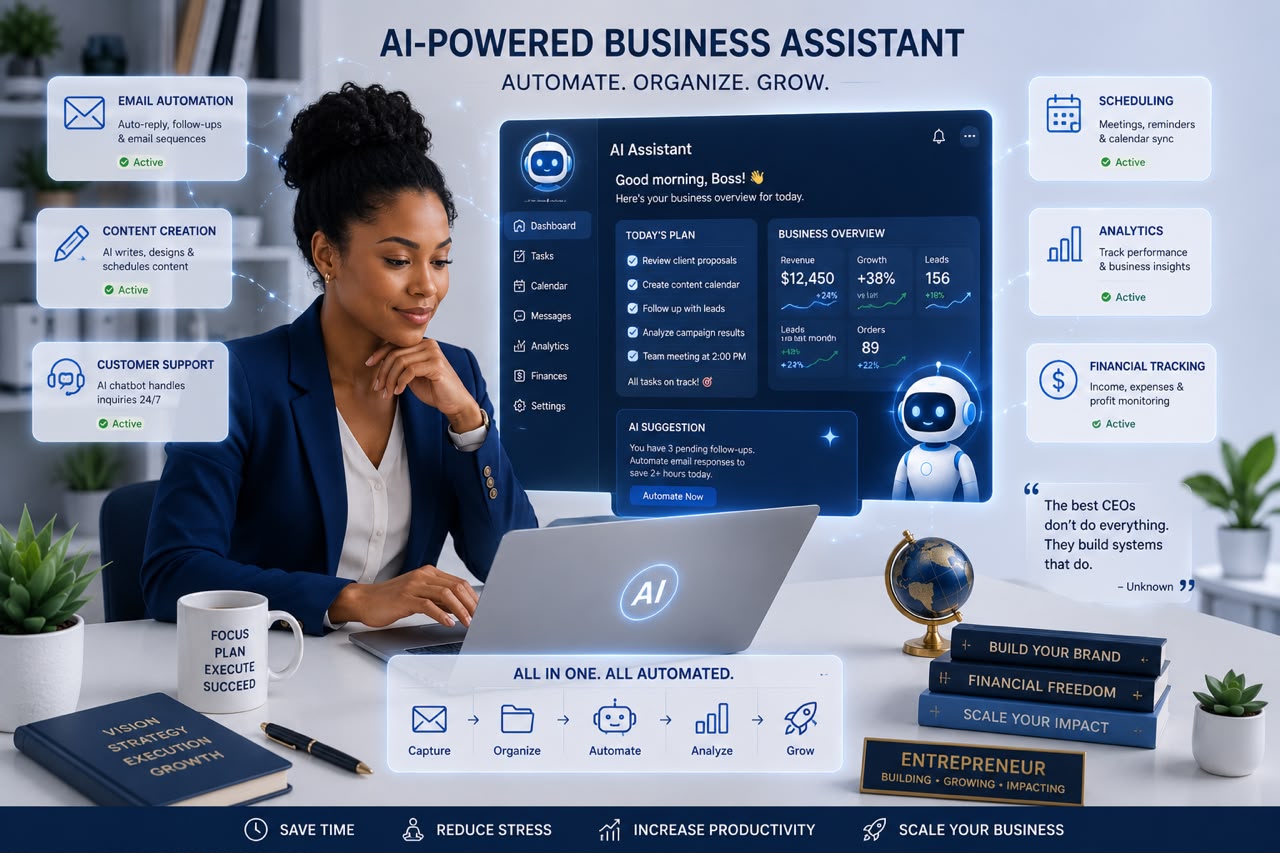
AI helps by acting as a digital assistant that can:
- Organize information
- Generate ideas
- Summarize documents
- Automate repetitive tasks
- Improve communication
- Support decision-making
When used correctly, AI allows professionals to spend more time doing meaningful work.
1. AI Helps You Complete Tasks Faster
One of the biggest benefits of AI is speed.
Tasks that once required hours can often be completed much faster with AI assistance.
Professionals can use AI for:
- Drafting emails
- Creating reports
- Summarizing meeting notes
- Preparing presentations
- Organizing information
- Generating first drafts
Instead of starting from zero, AI provides a foundation that professionals can review, improve, and personalize.
This saves time while maintaining quality.
2. AI Improves Workplace Communication
Clear communication is essential in every profession.
Whether you’re writing to clients, colleagues, managers, or stakeholders, the way you communicate affects how your message is received.
AI can help professionals:
- Improve email clarity
- Adjust writing tone
- Simplify complex explanations
- Create professional documents
- Translate information
For example, a technical professional can use AI to explain complicated concepts in a way that is easier for customers or team members to understand.
AI helps make communication more effective without removing the human touch.
3. AI Supports Better Decision-Making
Professionals often make decisions based on information, experience, and analysis.
AI can assist by quickly processing large amounts of data and identifying patterns that may not be immediately obvious.
AI can help with:
- Market research
- Data analysis
- Performance reports
- Trend identification
- Comparing options
However, AI should support decisions—not make them alone.
Human experience, ethics, and professional judgment remain essential.
4. AI Reduces Repetitive Work
Many professionals lose valuable time completing repetitive tasks.
Examples include:
- Sorting information
- Creating templates
- Scheduling appointments
- Updating records
- Organizing files
AI automation can handle many of these processes, allowing professionals to focus on strategic responsibilities.
A project manager can spend more time leading a team.
A marketer can spend more time developing campaigns.
A business owner can spend more time growing the company.
The purpose of automation is not to eliminate effort—it is to redirect effort toward more valuable activities.
5. AI Helps Professionals Learn Faster
Successful professionals continuously develop new skills.
However, finding time for learning can be challenging.
AI can make professional development easier by helping with:
- Explaining new concepts
- Summarizing industry trends
- Creating learning plans
- Providing practice exercises
- Recommending resources
Whether you’re learning a new software tool, studying industry changes, or improving your skills, AI can act as a personal learning assistant.
6. AI Enhances Creativity
Creativity is not limited to artists and designers. Every profession requires creative thinking.
Professionals can use AI to:
- Brainstorm solutions
- Generate new ideas
- Explore different perspectives
- Improve strategies
- Overcome creative blocks
AI can provide possibilities, but humans decide which ideas are valuable and relevant.
The combination of human creativity and AI assistance can lead to stronger outcomes.
7. AI Helps Manage Time Better
Time management is one of the biggest challenges professionals face.
AI-powered productivity tools can help:
- Prioritize tasks
- Create schedules
- Set reminders
- Identify workflow problems
- Organize projects
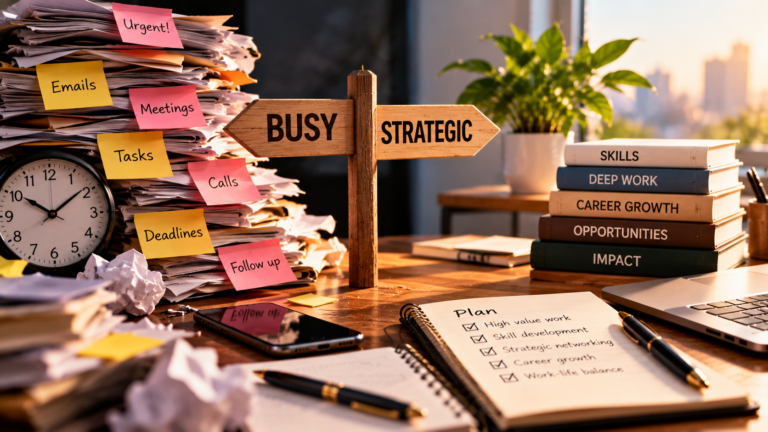
Instead of constantly reacting to urgent tasks, professionals can create more intentional workdays.
A well-organized schedule allows for better focus and reduced stress.
Avoiding the Mistake of Over-Relying on AI
While AI for professionals offers many advantages, it should be used responsibly.
Professionals should avoid:
- Accepting AI responses without review
- Sharing confidential information
- Replacing personal expertise with AI suggestions
- Using AI as a shortcut for important decisions
The strongest results happen when AI and human skills work together.
AI provides speed and support.
Humans provide experience, creativity, and judgment.
How to Start Using AI at Work
If you are new to AI, start with simple tasks.
Try using AI to:
- Draft routine emails.
- Summarize long documents.
- Organize your weekly tasks.
- Generate ideas for projects.
- Improve reports and presentations.
As you become more comfortable, you can explore more advanced ways to integrate AI into your workflow.
Small improvements can create significant time savings over time.
The Future of Professional Work and AI
Artificial intelligence will continue transforming workplaces across industries. Professionals who learn how to use AI effectively will have an advantage because they will be able to work faster, adapt more easily, and focus on higher-value activities.
However, the future of work is not about humans competing with machines.
It is about humans using technology to achieve better results.
The professionals who succeed will be those who combine AI capabilities with critical thinking, creativity, communication, and expertise.
Final Thoughts
AI for professionals is not about doing less work or lowering standards. It is about working smarter while maintaining quality and professionalism.
By using AI to handle repetitive tasks, improve communication, support research, and organize workflows, professionals can save time without cutting corners.
The best use of AI is not replacing human ability—it is enhancing it.
When combined with experience and good judgment, AI becomes a powerful tool that helps professionals achieve more, reduce stress, and create greater impact in their careers.