10 Free AI Tools That Can Save You Hours Every Week Free AI tools are transforming the way people work, learn, and create. Whether you're a student, freelancer, entrepreneur, content creator, or office professional, artificial intelligence can handle repetitive tasks, organize information, generate ideas, and improve productivity in ways that were difficult just a few …
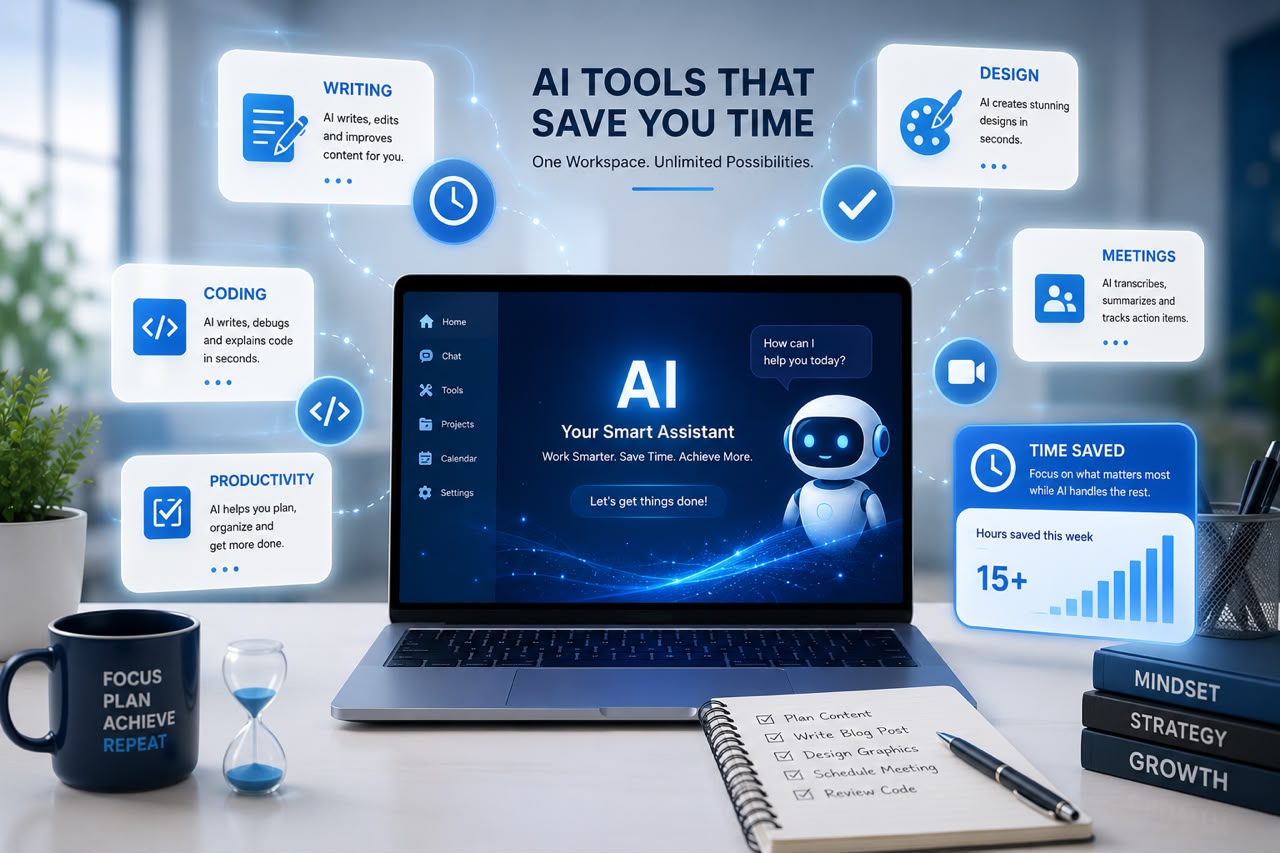
10 Free AI Tools That Can Save You Hours Every Week
Free AI tools are transforming the way people work, learn, and create. Whether you’re a student, freelancer, entrepreneur, content creator, or office professional, artificial intelligence can handle repetitive tasks, organize information, generate ideas, and improve productivity in ways that were difficult just a few years ago.
The best part? Many powerful AI tools offer free plans that are more than enough for everyday use. Instead of spending hours on routine tasks, you can complete them in minutes and dedicate more time to work that requires creativity, strategy, and human insight.
Here are 10 free AI tools that can help you save valuable hours every week.
1. ChatGPT – Your Everyday AI Assistant
ChatGPT is one of the most versatile AI tools available today. It can help you write emails, summarize articles, brainstorm ideas, explain difficult concepts, create outlines, draft social media posts, and even assist with coding.
Use it for:
- Writing blog content
- Brainstorming business ideas
- Creating meeting agendas
- Drafting professional emails
- Learning new topics
- Solving everyday problems
Even the free version can significantly reduce the time spent on writing and research.
2. Google Gemini – Smart Research and Productivity
Google Gemini combines AI with Google’s search capabilities, making it useful for researching topics, summarizing information, generating ideas, and answering questions.
It’s especially helpful for students, educators, and professionals who need reliable information quickly.
Great for:
- Research
- Idea generation
- Learning
- Writing assistance
- Quick explanations
3. Microsoft Copilot – AI Inside Your Workflow
Microsoft Copilot integrates with Microsoft applications such as Word, Excel, and PowerPoint, helping users automate everyday office tasks.
It can assist with:
- Drafting reports
- Summarizing documents
- Creating presentations
- Analyzing spreadsheets
- Writing professional emails
If you already use Microsoft products, Copilot can become a valuable productivity partner.
4. Canva Magic Studio – AI for Design
Creating professional graphics no longer requires advanced design skills.
Canva’s AI features help generate presentations, social media posts, marketing materials, and images in minutes.
Perfect for:
- Social media graphics
- Flyers
- Presentations
- Marketing content
- Business branding
Its drag-and-drop interface makes it beginner-friendly.
5. Grammarly – AI Writing Assistant
Grammarly goes beyond correcting spelling mistakes. It helps improve grammar, clarity, tone, punctuation, and sentence structure.
Whether you’re writing blog posts, emails, proposals, or reports, Grammarly ensures your writing is polished and professional.
Benefits include:
- Grammar correction
- Tone suggestions
- Clearer writing
- Vocabulary improvements
6. Notion AI – Smarter Note-Taking
Notion AI helps users organize notes, summarize documents, brainstorm ideas, and create action plans.
It’s especially useful for project managers, students, entrepreneurs, and remote teams.
You can use it to:
- Organize projects
- Create task lists
- Generate summaries
- Write documentation
- Manage knowledge bases
7. Otter.ai – Automatic Meeting Notes
Taking notes during meetings often means missing important parts of the conversation.
Otter.ai automatically records, transcribes, and summarizes meetings, interviews, lectures, and discussions.
This helps teams stay focused while ensuring key points are captured accurately.
Ideal for:
- Online meetings
- Interviews
- Lectures
- Team discussions
8. Perplexity AI – Faster Research
Perplexity AI is an AI-powered search and answer engine that provides direct responses along with source references. Instead of browsing multiple websites, you receive concise summaries backed by credible sources.
It’s particularly useful for:
- Academic research
- Business research
- Fact-checking
- Learning new topics
This can save hours when gathering information for projects or articles.
9. GitHub Copilot – AI for Developers
For programmers, GitHub Copilot speeds up coding by suggesting functions, completing code, and helping solve programming challenges.
Developers use it to:
- Write code faster
- Reduce repetitive coding
- Learn programming techniques
- Improve productivity
Even beginners can use it as a learning companion while building software.
10. Adobe Express AI – Quick Content Creation
Adobe Express includes AI-powered tools for creating images, social media content, marketing materials, and short videos.
Its templates and AI features make it easy to produce professional-looking content without extensive editing experience.
Useful for:
- Social media posts
- Posters
- Promotional graphics
- Short videos
- Business marketing
How to Choose the Right Free AI Tools
With so many AI tools available, it’s easy to feel overwhelmed. Instead of trying everything at once, choose tools based on your daily tasks and goals.
- For writing: ChatGPT and Grammarly.
- For design: Canva Magic Studio and Adobe Express.
- For research: Google Gemini and Perplexity AI.
- For meetings: Otter.ai.
- For organization: Notion AI.
- For coding: GitHub Copilot.
- For office productivity: Microsoft Copilot.
Start with one or two tools, learn how they fit into your workflow, and expand your toolkit as your needs grow.
Final Thoughts
Free AI tools are making work more efficient for millions of people around the world. They can automate repetitive tasks, improve writing, simplify research, organize projects, and spark creativity—all while saving you valuable time.
The key is to view AI as a productivity partner rather than a replacement for human skills. These tools work best when paired with your expertise, creativity, and decision-making.
By incorporating even a few of these free AI tools into your weekly routine, you can accomplish more in less time, reduce stress, and focus on the work that truly matters.